What it does
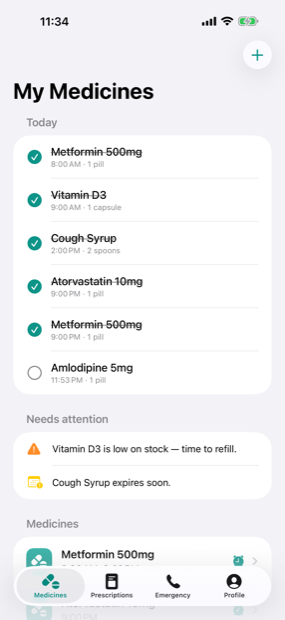
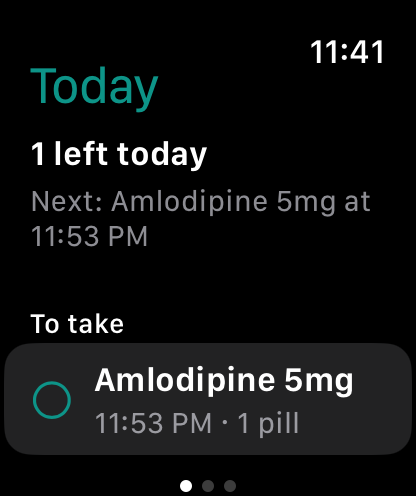
An alarm, not a nudge
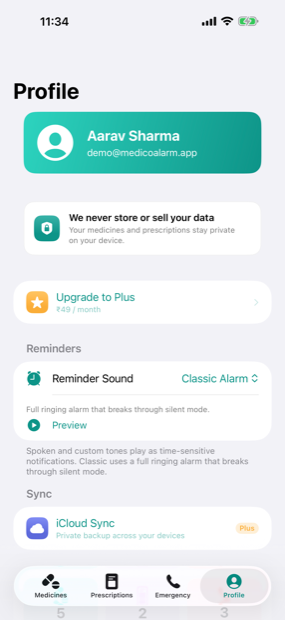
Breaks through silent mode and Focus, and keeps ringing until you stop it. Snooze if you need a few more minutes.
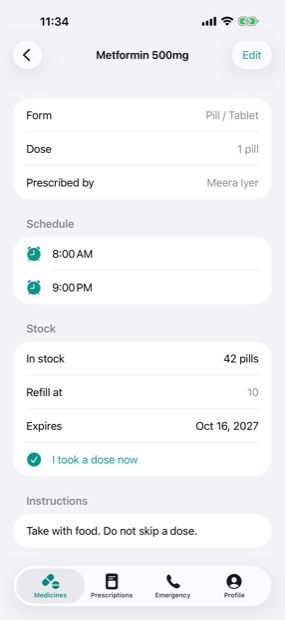
Stock and expiry
Counts down as you take doses, tells you when to reorder, and flags anything about to expire.
Prescriptions in your pocket
Photograph a prescription and it is read on your device to help fill in the details, then filed with the doctor who wrote it.
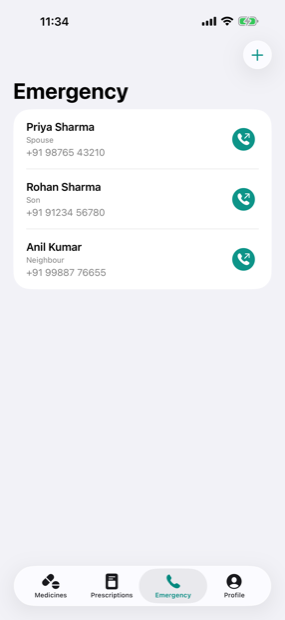
Emergency contacts
The people who matter, and your doctors, reachable with a single tap from the phone or the watch.
Your health data never leaves your device
Most health apps are a data business wearing a helpful face. MedicoAlarm has no server at all — there is nowhere for us to put your information even if we wanted it.
- No analytics, no advertising, no third-party trackers
- Prescription scanning and voice notes are processed on your device
- Optional backup goes to your own iCloud or Google account, which we cannot read
- Deleting your account in the app removes everything, immediately
Read the Privacy Policy — it is short, and it says the same thing.
Simple pricing
Free for 2 months
then ₹49 / month for MedicoAlarm Plus
Every reminder, alarm, medicine, prescription and contact is free, forever. Plus adds private backup and sync across your devices — and keeps the app independent and ad-free. Cancel anytime.
Questions?
The support page covers the common ones, or email [email protected].
MedicoAlarm is a reminder and record-keeping tool. It does not provide medical advice. Always follow the instructions of your doctor or pharmacist.